Control plane upgrade troubleshooting guide for ROSA clusters
Table of Contents
Overview
-
ROSA cluster upgrades involve updating the control planes and the node pools (machine pools). This document focuses on troubleshooting issues during the control plane upgrade.
-
For machine pool upgrade troubleshooting, please refer to Node pools (machine pools) upgrade troubleshooting guide for ROSA cluster.
-
For how to upgrade ROSA clusters, please refer to Upgrading Red Hat OpenShift Service on AWS clusters.
Troubleshooting
-
The upgrade of the cluster can only be carried out by either the cluster owner or the user who installed it. For more details please follow the resolution steps mentioned in ROSA upgrade fails with "Forbidden access to update resource".
-
During the upgrade process, the events below can be observed in the This content is not included.OpenShift Cluster Manager Console:
Control Plane upgrade maintenance scheduled Control Plane upgrade maintenance rescheduled Control Plane upgrade maintenance beginning Control Plane upgrade maintenance delayed Control Plane upgrade maintenance completed Control Plane upgrade maintenance cancelled Control Plane upgrade maintenance failed -
There will be also some pre-flight checks before the upgrade begins. If it fails for some reason, the upgrade state will move to aborted. Below, it is the list of factors which are evaluated:
1. Critical alerts are firing
Solution: Open Openshift Console -> Alert -> Check if critical alerts exist before doing upgrade2. Node pools have no replicas
Solution: Make sure all worker nodes are running and not cordoned3. Cluster Operator degraded
Solution:
1. Check the cluster operator error messages under "Conditions". That can be used when researching in our Knowledgebase for known issues:$ oc get co/<operator name> -o yaml 2. Check if there are any AWS resources been changed recently. You can check that by using [AWS Cloud Trail](https://aws.amazon.com/cloudtrail/) searching for the resources below: .subnet tag .KMS policy .DHCP setting .security group4. Another upgrade is on going
-
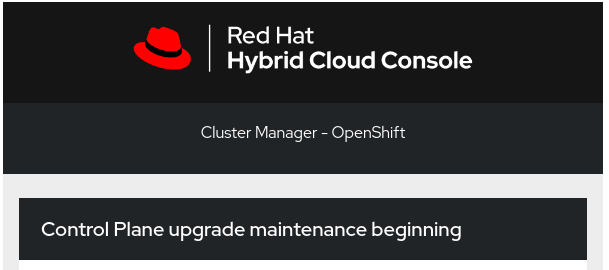
If the upgrade passes the pre-flight check and initiate, you will receive an email as shown below saying that the upgrade has begun:
-
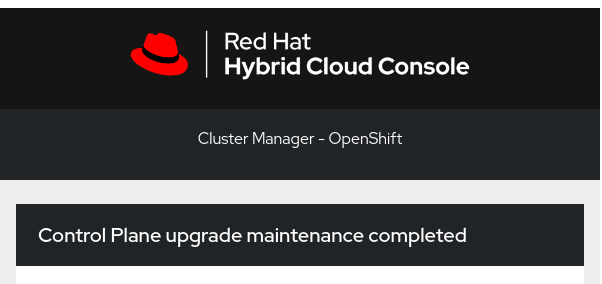
If the upgrade completes successfully, you will receive an email saying that the upgrade has been completed successfully:
-
Check for the events in the
Cluster historytab in the This content is not included.OpenShift Cluster Manager Console. They can help to identify what happens during the upgrade. Below are some samples that show reasons of why upgrades may fail:Control Plane upgrade maintenance failed Control plane upgrade failed: found 2 critical alertsControl Plane upgrade maintenance failed Control plane upgrade failed: Cluster 'xxxxx' is not upgradable as it has the following node pool upgrades started 'workers-0,workers-1'
For further troubleshooting, please contact Red Hat Support.
Known Issues
- Critical alerts are firing
Reference: Critical alerts are firing causing ROSA HCP cluster upgrade fail - Cluster's worker nodes are stopped due to manual action cause HCP control plane upgrade fail
Reference: Is it possible to scale down ROSA HCP worker nodes to zero? - IDP issue might cause hcp upgrade fail
Reference: ROSA HCP cluster upgrade fail because of OpenID authentication IDP error - AWS side tags on the subnet been change or removed
Reference: Cluster operator Console is degraded in ROSA - Cluster with custom KMS enabled changes the policy attached to KMS. Check if the KMS setting is correct set
Reference: Creating ROSA with HCP clusters using a custom AWS KMS encryption key.
Additional reference: Enabling bring your own key (BYOK) with KMS in OSD and ROSA
Existing Bugs
- This content is not included.OCPBUGS-43267 pause_image content mismatch for file "/etc/crio/crio.conf.d/00-default"
- This content is not included.HOSTEDCP-1517 Control plane upgrades should succeed regardless of data plane state
- This content is not included.OCPBUGS-38132 OIDC IDP validation check should not be fatal to CPO reconcilation